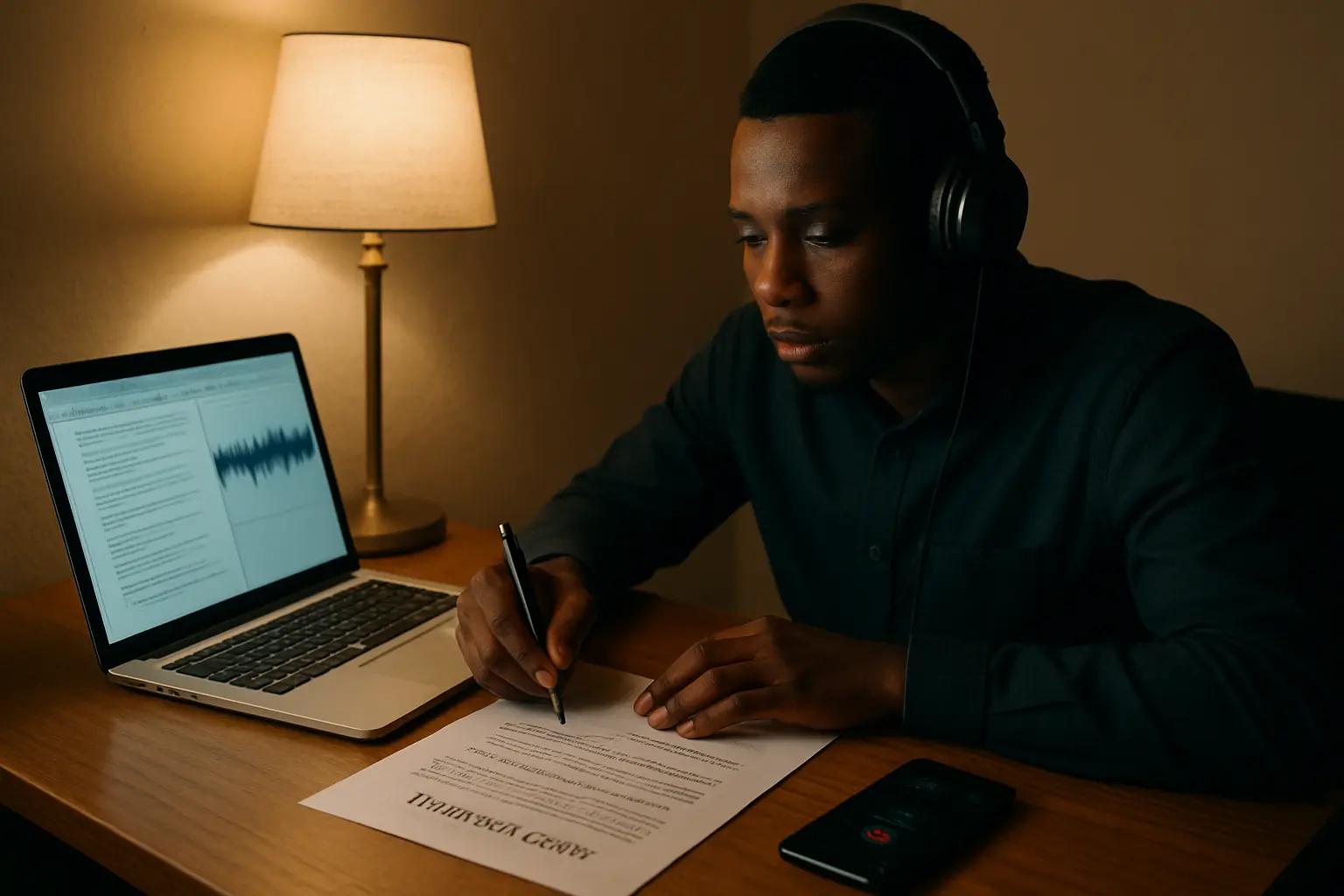
If your project rests on interviews or focus group discussions, two jobs stand between the recordings on your phone and Chapter Four: turning speech into text, and turning text into themes. Different tools do each, the free tiers are smaller than students expect, and one Nigerian decision — which language the transcript is in — has to be recorded in Chapter Three whichever tool you use.
The comparison, before anything else
| Tool | Job | Cost | Runs offline | The catch for a Nigerian project |
|---|---|---|---|---|
| Otter.ai (Basic) | Automatic transcription | Free | No | 3 lifetime audio/video file imports and 300 transcription minutes a month. Three files is fewer than any interview set. |
| Otter.ai (Pro) | Automatic transcription | $16.99 per user per month, listed | No | 10 file imports a month. Priced in dollars, needs a card that works. |
| Whisper (OpenAI, open source) | Automatic transcription and speech translation | Free, MIT licence | Yes — it runs on your machine | Needs Python and PyTorch installed, and a laptop with enough memory for the model size you pick. |
| Typing it yourself | Transcription | Free | Yes | Slow, and the slowness is partly the point — you hear your own data. |
| QualCoder | Coding | Free, open source | Yes | Codes audio and video directly, so a full transcript is not always required. Setup takes an afternoon. |
| Taguette | Coding | Free, BSD licence | Yes (installed locally) | Documents only. Local install is offline and single-user; the hosted version allows collaboration but needs a connection. |
| NVivo | Coding | Paid. Student licence = 12 months, one named user | Yes | No price is readable on the product page. Ask your librarian whether your university already holds a licence. |
Step one: decide what language the transcript is in, and write it down
This is the decision that separates a Nigerian qualitative project from a textbook one, and no software will make it for you.
If your interviews were conducted entirely in English, skip this section. If any of them ran in Pidgin, Hausa, Yoruba, Igbo or a mix — which is normal, and often the reason your respondents spoke freely at all — then you have three choices and Chapter Three must say which you took:
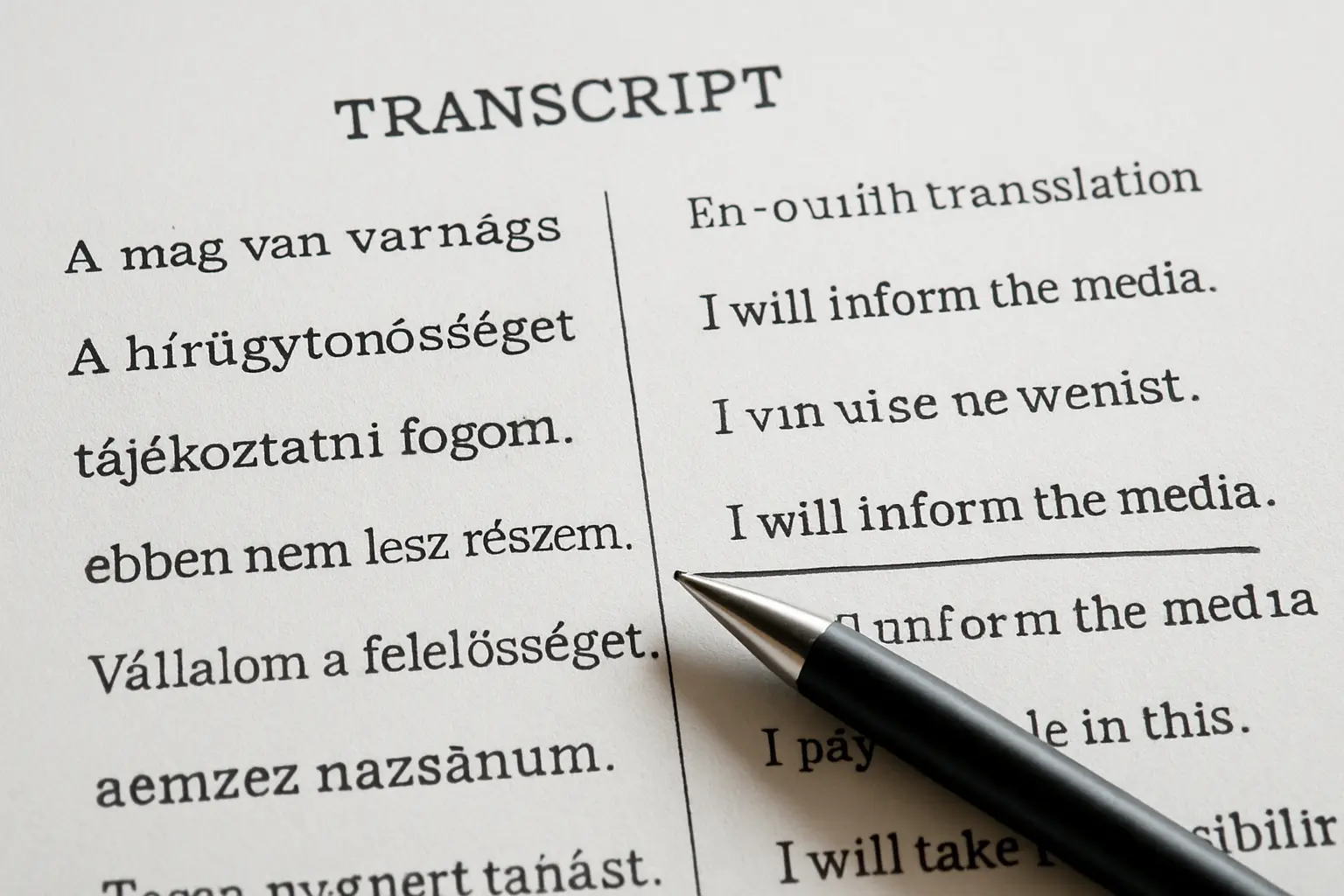
- Transcribe verbatim in the language spoken, then translate to English for analysis. The most defensible option, and the one that lets you quote the original alongside the translation.
- Translate directly while transcribing. Faster and common, but you are making interpretive decisions with no record of them, and a panellist can ask what a specific phrase was in the original.
- Analyse in the original language and translate only the quotes you use. Strongest when you are fluent and your supervisor is too.
Whichever you pick, record three things in your methodology: who did the translation, whether anyone checked it, and whether quotes appear in the original alongside the English. A second person back-translating even two transcripts is a cheap validity claim, and it is the kind of detail the Chapter Three guide expects in the data analysis section.
The practical consequence for tool choice is blunt: automatic transcription is built and benchmarked mostly on English, and none of these projects publishes accuracy figures for Nigerian languages or heavily accented Nigerian English. Do not assume, and do not take a vendor’s word for it. Feed one tool five minutes of your actual audio and read the output. If you spend longer correcting than you would have spent typing, you have your answer.
Step two: transcription, ranked
1. Whisper — free, offline, and the only automatic option that does not meter you
Whisper is OpenAI’s open-source speech recognition model, released under the MIT licence. Its documentation describes it as a general-purpose, multitasking model performing multilingual speech recognition, speech translation and language identification — the translation capability is unusual and directly relevant if your recordings are not in English.
It runs on your own machine, which means no upload limits, no monthly minutes, and your respondents’ recordings never leave your laptop — a real consideration when the recordings contain identifiable people. The cost is setup: it needs Python and PyTorch, and there are six model sizes trading speed against accuracy, so a modest laptop should start with a smaller model. Budget an afternoon for installation and test on a short clip first.
2. Typing it yourself — still the right answer for a small set
For eight to twelve interviews, manual transcription is entirely reasonable and it has one advantage no tool gives you: you hear where you interrupted, where you led the respondent, and where the interesting answer was buried under a follow-up question you should not have asked. Transcribe your first two interviews by hand whatever you do afterwards, because those two will improve every interview that follows.
3. Otter.ai — check the limit before you rely on it
Otter’s free Basic plan lists three lifetime audio and video file imports and 300 transcription minutes a month. Three lifetime imports is not a research project; it is a trial. The Pro plan is listed at $16.99 per user per month with ten file imports a month. If you are going to pay in dollars, price it against the number of recordings you actually have before subscribing, and remember it is a cloud service, so uploading requires both a connection and a decision about sending respondent recordings to a third party.
Step three: coding, ranked
1. QualCoder — the pick if you have recordings
QualCoder is free and open source, and it imports text from txt, odt, docx, html, md, epub, rtf and PDF — but the reason to choose it here is that images, video and audio can also be imported for coding. You can attach codes to selections inside the recording itself, which means a full verbatim transcript stops being a prerequisite for starting analysis.
Codes group into categories in a hierarchy, which matters once you pass about twenty tags, and its reports include coding frequencies, visual coding graphs and a coder comparison — useful if two group members code the same transcript and you want to show the panel how closely you agreed.
Expect friction installing on Windows: the project states plainly that the executable triggers an “unknown publisher” warning because a trusted publisher certificate is expensive and it has not bought one. Audio and video coding also wants VLC installed.
One caution. QualCoder can connect to external AI models to explore your data. Before enabling that, check your department’s rule on sending research material to a third-party service — the boundary is set out in whether you can use AI on a final year project. Coding is exactly the stage where an unexamined machine suggestion becomes a theme you cannot defend.
2. Taguette — the simplest thing that works, if your data is text
Taguette is free under the BSD licence and its own FAQ states that it costs nothing whether you run it on your machine or install it on a server. You import documents, highlight passages, attach tags, and export your project, your codebook, all your highlighted quotes, the quotes for a single tag, or the highlighted documents. It converts files through Calibre, so DOCX, ODT, PDF, TXT and HTML all open.
The trade-off is explicit in its documentation: running locally means you work offline and by yourself; using the hosted server means you can collaborate. Pick offline unless your group genuinely needs simultaneous access. If you cite it, the project asks for Rampin et al. (2021), Journal of Open Source Software, 6(68), 3522.
3. NVivo — only if your university already pays for it
NVivo is the name you will see in published methodology sections. Lumivero states that student licences give twelve months of unrestricted access for one named user. No price is published on the product page, and the pricing pages for NVivo and ATLAS.ti did not resolve when we checked in August 2026, so we will not quote a naira figure. Ask your college librarian or research office whether a site licence exists; if it does, it is free to you and worth using.
The recommendation
Transcribe your first two interviews by hand, then run the rest through Whisper on your own laptop, and code in QualCoder. That combination is free end to end, works with no connection, keeps respondent recordings on your machine, and lets you code audio directly for anything you never fully transcribe.
Runner-up, for a tighter budget of time rather than money: type the transcripts yourself and code in Taguette. Taguette installs in minutes where QualCoder takes an afternoon, and for a text-only study with a dozen transcripts it does everything you need.
Decide before you start coding. None of these formats reads another, so switching halfway is a manual retyping job.
What none of them does for you
Deciding how many participants was enough. A tool counts what you collected; it does not tell you when to stop. That argument, and how to defend a sample you did not calculate with a formula, is in how many respondents a qualitative project needs.
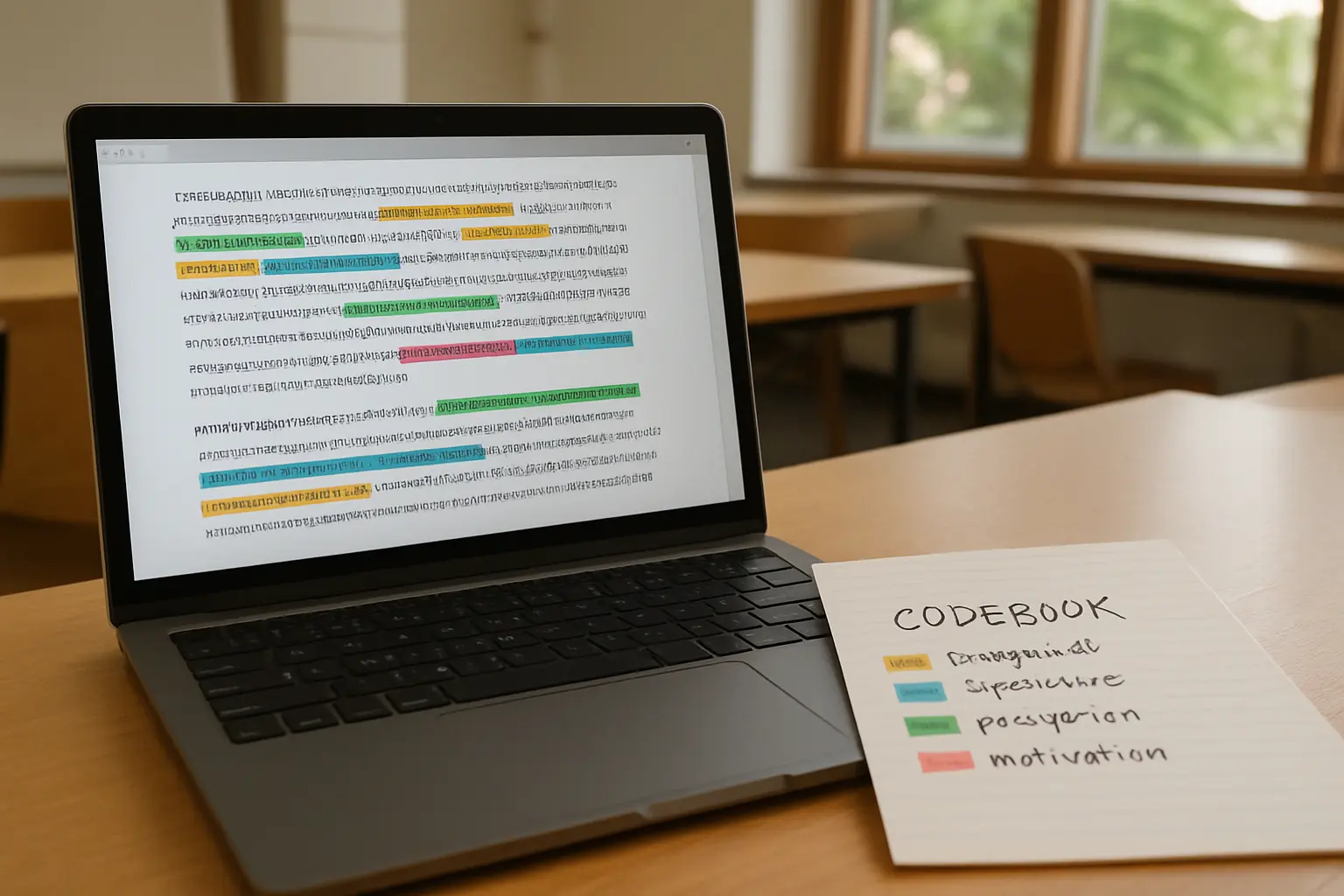
Turning tags into themes. A tag labels a passage; a theme is a claim supported by several tags. A frequency count tells you which label you used most, not which one means something.
Writing the chapter. Your themes still have to be presented in the order of your research questions, with quotes as evidence, the same discipline the numbers version follows in writing Chapter Four — and they still have to become one conclusion per research question in Chapter Five.
Naming the software in your methodology. Name it with its version, exactly as a quantitative project names its statistical package. If your study mixes methods and also needs a test, that choice is a separate one — see what statistical test to use and the step-by-step in analysing project data in SPSS.
The themes are yours. The chapter around them does not have to be.
Tesify keeps your methodology, your themes and your conclusions in one connected document, so the codebook you exported has somewhere to land and Chapter Three already names the procedure you actually followed. Start on the free plan, alongside 9,000+ students and 15,000+ chapters — every word still written by you.
Frequently asked questions
What is the best software for analysing qualitative project data?
QualCoder if you have audio or video, Taguette if your data is text only. Both are free, open source and run offline on Windows, macOS and Linux, and both export a codebook you can attach as an appendix.
Is there a free alternative to NVivo?
Yes. Taguette and QualCoder both do the core job — tag passages and retrieve them by tag — at no cost. What you give up is polish and support, not the ability to run a defensible thematic analysis.
How many free transcriptions does Otter give you?
The Basic plan lists three lifetime audio or video file imports and 300 transcription minutes a month. For a project with a dozen recordings that is a trial, not a workflow.
Can I transcribe for free without uploading my recordings?
Yes. Whisper is released under the MIT licence and runs on your own machine, so nothing is uploaded. It needs Python and PyTorch and offers six model sizes trading speed against accuracy.
Will automatic transcription handle Pidgin, Hausa, Yoruba or Igbo?
Do not assume it will. These tools describe themselves as multilingual, but none publishes accuracy figures for Nigerian languages or strongly accented Nigerian English. Test on five minutes of your own audio and count the corrections before committing your whole dataset.
Do I have to transcribe every interview in full?
Not necessarily. QualCoder lets you code audio and video selections directly, so a full verbatim transcript is not always a prerequisite. You will still need verbatim text for any quote you print in Chapter Four.
Do I need to say in Chapter Three that I used software?
Yes. Name the tool and its version in the data analysis section, alongside your coding approach and how the themes were validated, exactly as you would name SPSS.
What if my interviews were in a Nigerian language?
Decide whether you transcribe verbatim then translate, translate as you transcribe, or analyse in the original and translate only quotes. Then record who translated, whether anyone checked, and whether the original appears beside the English.
Can my whole group code together?
Not simultaneously on a locally installed tool. Nominate one custodian of the project file. QualCoder does support comparing two coders inside one project, which is the more useful thing to show a panel anyway.
Will free software weaken my defence?
No. Panels ask what your coding procedure was and how the themes were validated, not which brand produced them. A clear codebook in the appendix answers that better than a tool name — the question patterns are in what panels ask at a project defence.
Which AI tools are safe to use alongside this?
Whatever your department permits, used on your own words rather than in place of them. The category-by-category comparison is in the best AI tools for a final year project.